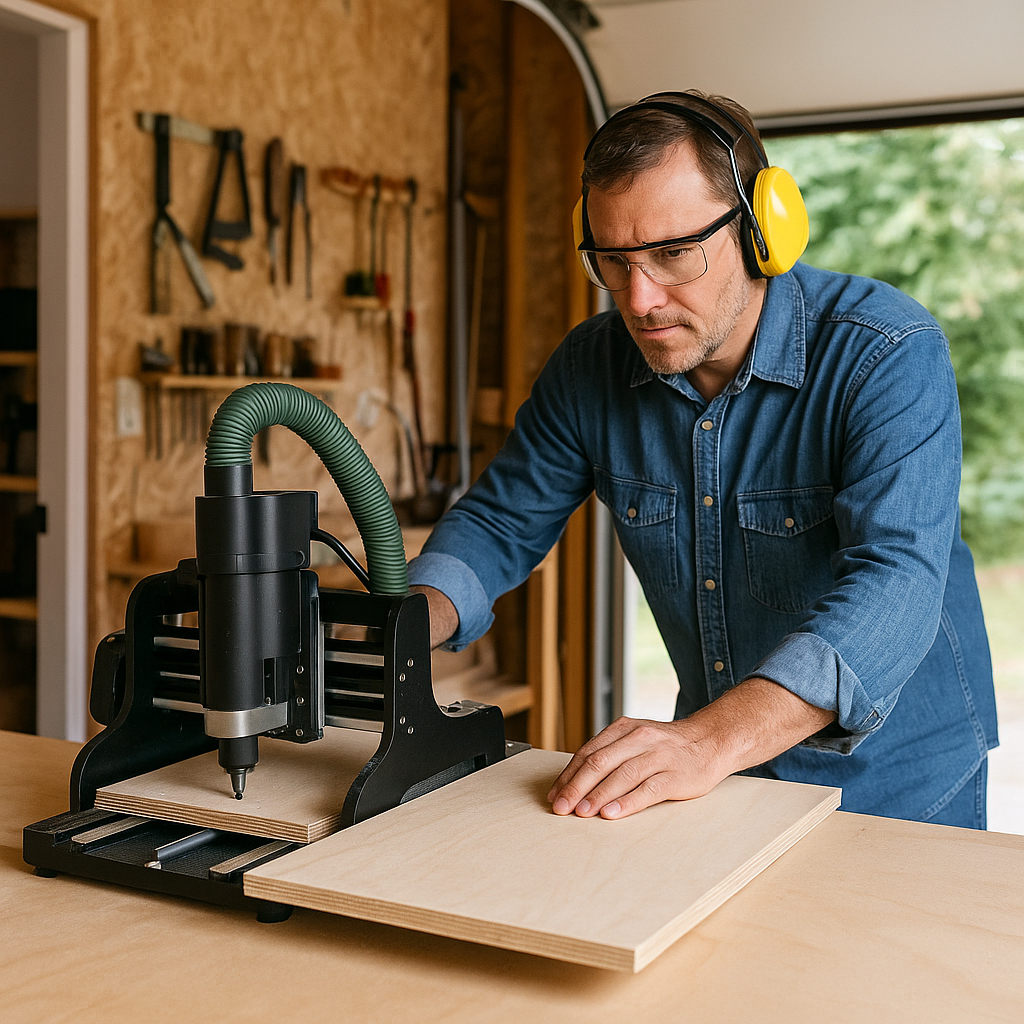
CNC cabinetry is changing the way kitchens, bathrooms, and storage spaces are built. Instead of relying only on table saws, routers, and hours of handwork, woodworkers now use computer-controlled machines to design and cut cabinet parts with speed and precision. This shift means cabinet shops can handle bigger jobs with consistent results, and DIYers can take on professional-quality projects from home. In this guide, we’ll cover what CNC cabinetry is, how the process works, what it costs, and the best options for both homeowners and shops.
Fast forward to today, and things look completely different. With CNC cabinetry, a machine does the heavy lifting. You load in your design, hit a button, and the router cuts each piece with laser-like precision. Shelf pin holes, hinge cutouts, drawer fronts—it’s all done in minutes. The parts fit together so well it almost feels like cheating compared to the old way.
What’s cool is this isn’t just for big cabinet shops anymore. I’ve seen DIYers set up a small CNC router in a garage and build cabinets that rival custom installs. On the professional side, shops rely on CNC every day to crank out entire kitchens while still offering unique designs.
In this guide, I’ll share the basics of CNC cabinetry—how it works, the materials that make sense, the real costs, and the software that ties it all together. If you’re thinking about a kitchen remodel or you just want to try your hand at building a cabinet from scratch, this will get you started on the right foot.
What Is CNC Cabinetry?
At its core, CNC cabinetry is cabinet-making driven by software and machines rather than solely by hand tools. Instead of manually measuring and cutting plywood or MDF panels, a CNC router uses a digital file to carve out cabinet parts with near-perfect accuracy.
Step 1: A cabinet is designed in CAD (computer-aided design) software.
Step 2: The design is converted into G-code, the programming language that tells CNC machines how to move.
Step 3: The CNC router cuts, drills, and shapes cabinet parts from large panels of plywood, MDF, or melamine.
This means every side panel, drawer front, or shelf comes out consistent—an essential advantage when building multiple units for a kitchen or office project.
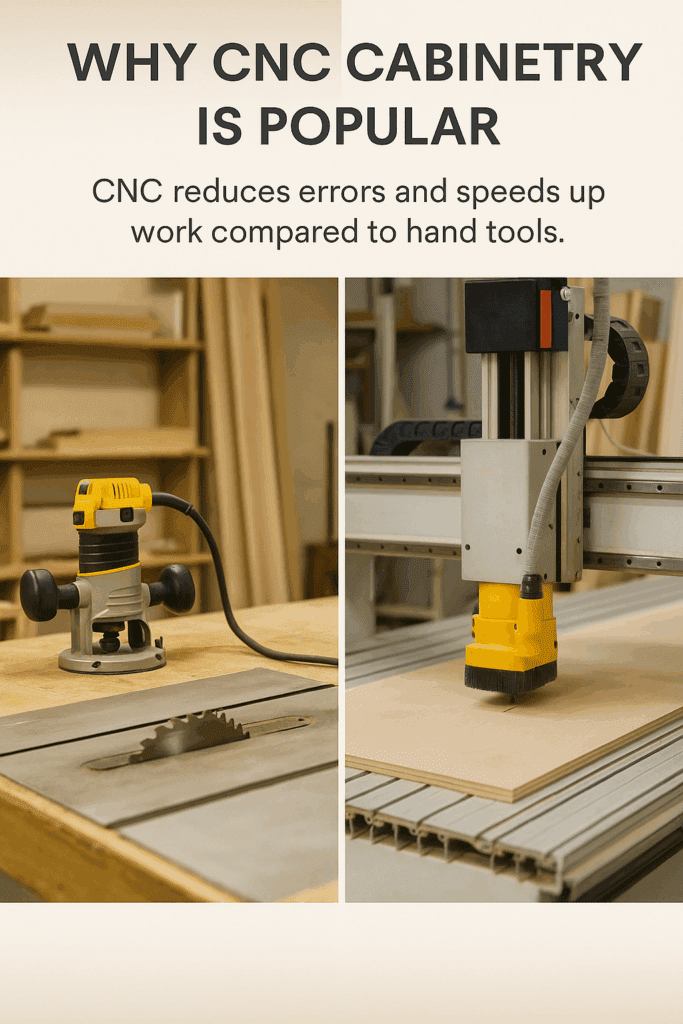
Why CNC Cabinetry Is Popular
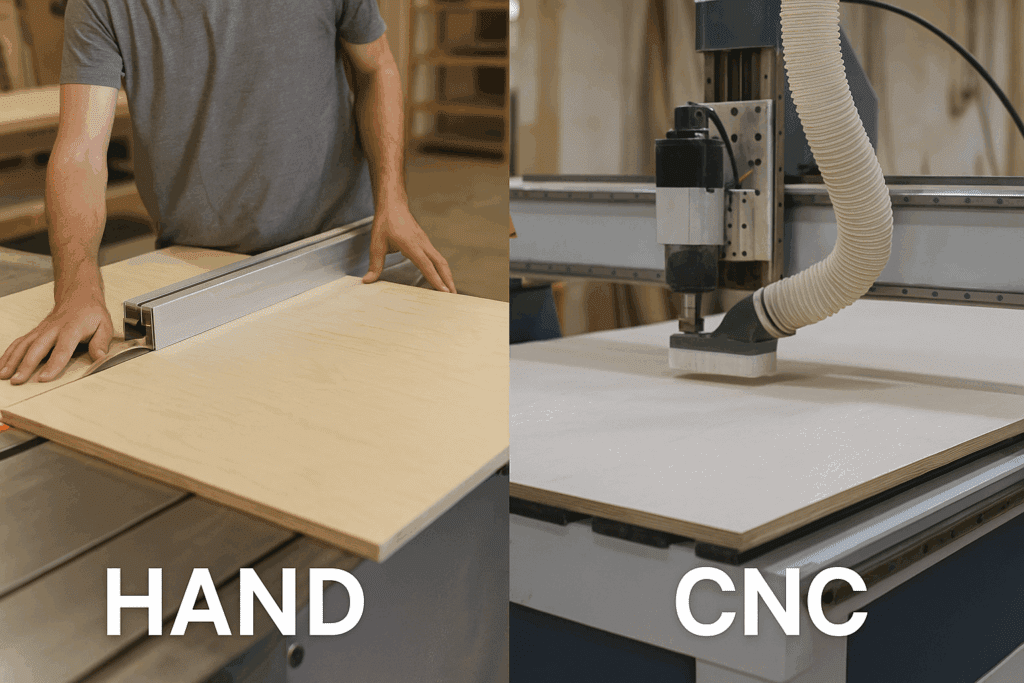
I’ve built cabinets both ways—by hand with a table saw and router, and with CNC. There’s no comparison. With hand tools, you spend half the day just making sure your cuts are square, and even then, something’s usually off. With CNC, you load the file, press start, and it just… works. That’s why more shops (and even hobbyists) are making the switch.
1. Precision and Consistency
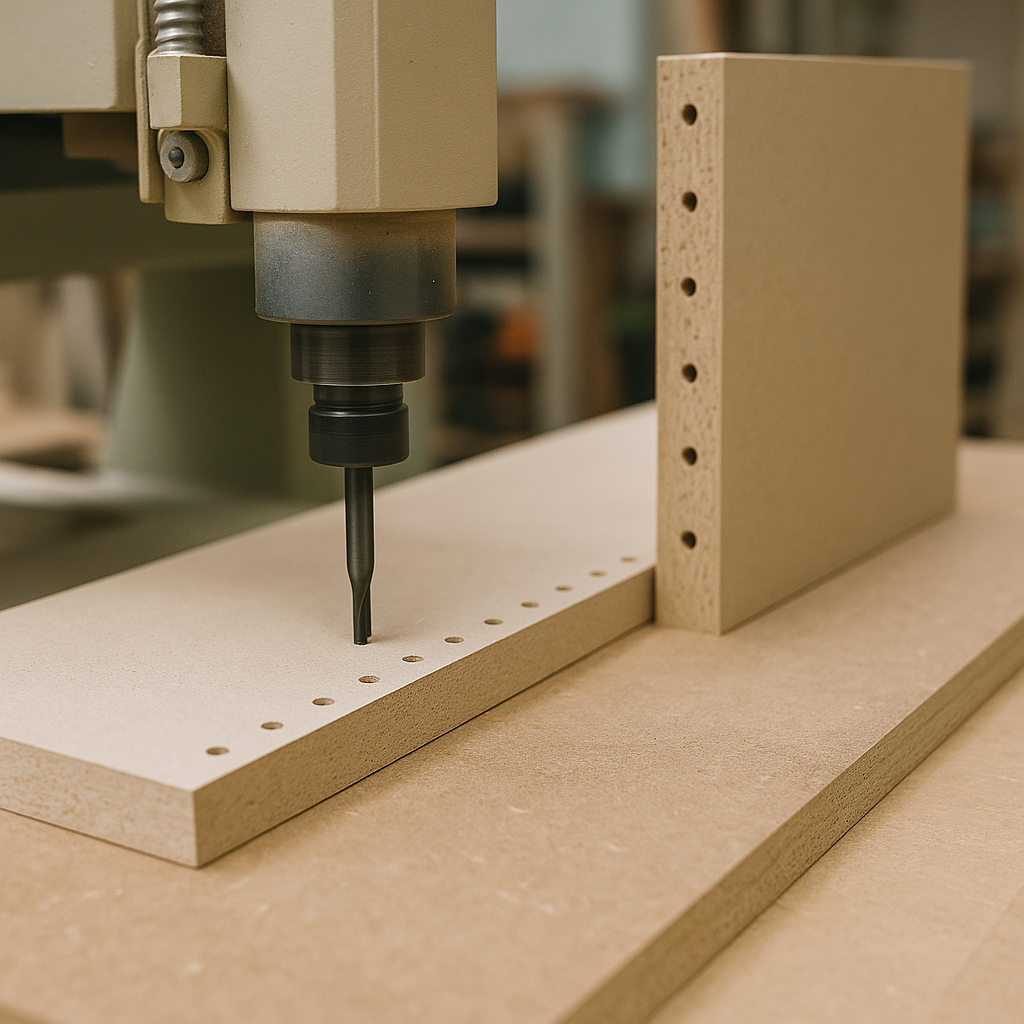
One crooked hinge hole can ruin the look of a whole cabinet. I’ve had that happen more than once, and fixing it is a pain. CNC routers don’t slip like that. Every hinge, shelf pin, and dado ends up exactly where it should be. Doesn’t matter if you’re cutting one panel or twenty—the machine makes them all identical.
2. Speed and Efficiency
Cutting cabinet parts by hand takes forever. You’re moving plywood sheets, resetting fences, checking squares—it wears you out. A CNC flies through a full sheet in minutes. I watched a buddy of mine run parts for an entire kitchen in a single morning. By the time I was still ripping sheets on my saw, he was already edge-banding his cabinets.
3. Customization Without the Hassle
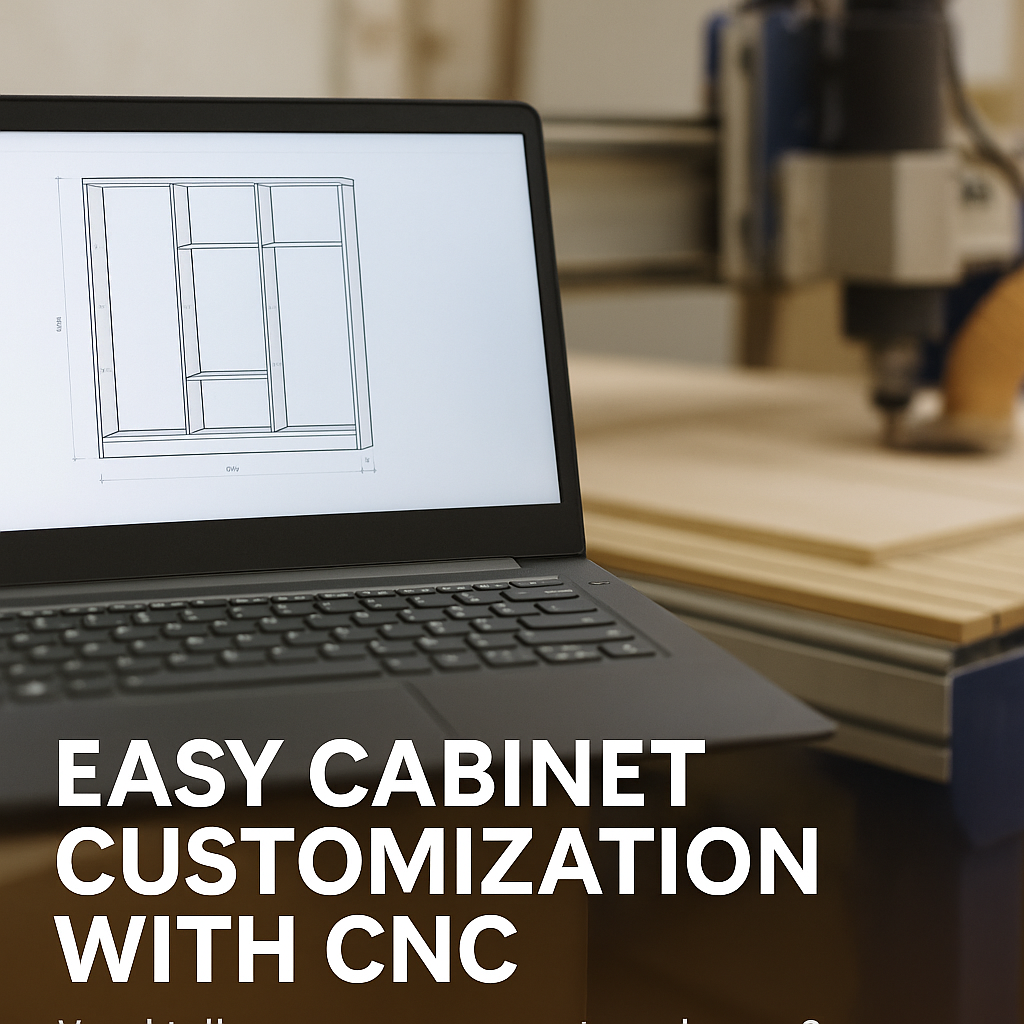
Need to bump the height of your uppers? Or build a drawer that clears the odd pipe under a sink? Normally, that’s a headache—you’d redraw, measure again, and hope you didn’t mess it up. With CNC, you just adjust the numbers in the software. The new pieces come out ready to go, no second-guessing.
4. Costs That Even Out
Sure, CNC machines aren’t cheap. That part stings at first. But once you see how little material you waste—and how much quicker you can knock out jobs—it pays for itself. Shops can run more kitchens in less time, and DIYers end up with cabinets that look like custom installs without spending showroom money.
Materials Used in CNC Cabinetry
The material you choose depends on budget, finish style, and durability needs.
Plywood – Strong, durable, and the gold standard for cabinet boxes. Birch or Baltic birch plywood is especially popular.
Melamine Panels – Affordable, easy to clean, available in dozens of finishes.
Solid Wood – Used for high-end face frames, drawer fronts, and cabinet doors.
How the CNC Cabinetry Process Actually Feels
The first time I ran a CNC job, I couldn’t believe how much easier it was compared to ripping sheet goods by hand. It felt a little strange—like I wasn’t working hard enough. But once you see how it all comes together, you realize it’s just a different kind of work.
You start on the computer. I usually sketch cabinets in SketchUp because it’s quick, though Fusion 360 is a favorite for folks who like more control. You draw up the boxes, add doors or drawers, and play with the numbers. Taller uppers? Wider pantry? It’s a two-second change instead of a half-hour redraw.
From there, you export the design into what’s called G-code. That’s just the CNC’s language. It tells the router where to cut and how deep. The first time I did it, I held my breath, half expecting to ruin a $70 sheet of plywood. But most software will show a preview, so you can catch mistakes before you chew up material.
Then comes the cutting. You throw a sheet on the table, clamp it down, and press go. The router zips through like it’s tracing lines on paper. Sides, shelves, toe kicks—it’s all carved out in minutes. I remember thinking, this would’ve taken me a whole Saturday with my old saw.
Drilling and routing used to be the worst part by hand. A hinge hole off by even a millimeter, and suddenly the door never sits right. With CNC, those holes are dead on. Dados, shelf pins, hinge cups—it does them all without a jig or template.
Edges are another thing. Raw plywood edges aren’t pretty, and they don’t last. In a shop, they’ll run parts through an edge bander that glues on PVC or wood veneer. At home, I’ve ironed on veneer strips myself. It’s slower, but it makes the cabinets look like something you’d pay custom prices for.
Finally, assembly. This part feels almost unfair. Instead of forcing things to square up, the pieces line up and fit. Dowels slide into holes, screws bite cleanly, and before you know it, the box stands solid. I’ve spent hours in the past trimming and adjusting panels. With CNC parts, it’s closer to snapping Lego together.
Applications of CNC Cabinetry
Kitchens – From budget-friendly melamine boxes to premium walnut veneer cabinets. CNC makes it easy to keep everything consistent, even when mixing different materials in the same kitchen.
Bathrooms – Moisture-resistant panels with CNC cutouts for sinks and plumbing. The precision saves time during installation since the cutouts line up exactly where they should.
Closets – Custom shelving, drawer systems, and organizers. With CNC, you can adjust dimensions down to the inch, so every space is fully used.
Commercial Spaces – Office desks, storage cabinets, retail shelving. Shops rely on CNC to repeat designs quickly, which is key when furnishing larger spaces.
Cost of CNC Cabinetry
DIY CNC Cabinets: $75–$150 per linear foot (mainly material costs). This range works if you already have access to a CNC machine or can rent shop time, since labor is where most of the savings come from. You’ll invest more of your own time, but the payoff is cabinets that look professional at a fraction of the price.
Mid-Range Shop-Made CNC Cabinets: $250–$500 per linear foot. At this level, you’re paying for both skilled labor and quality materials. Many homeowners land in this range because it balances cost with customization and finish options.
High-End Custom CNC Cabinetry: $600+ per linear foot. These cabinets often feature premium veneers like walnut or oak, advanced hardware, and one-off designs. Shops in this category typically offer fully tailored layouts, luxury finishes, and professional installation.
💡 Tip: Shops often price per sheet of plywood/MDF cut. If you supply materials, you can cut costs significantly.
CNC Cabinetry for DIYers
CNC technology isn’t just for industrial shops anymore. Affordable desktop routers make DIY CNC cabinets possible.
Mass Customization: Customers can order unique cabinet styles at production-level efficiency.
Conclusion
CNC cabinetry blends craftsmanship with technology, making it easier than ever to produce cabinets that are strong, stylish, and consistent. Whether you’re a homeowner taking on your first DIY project or a shop owner scaling up production, CNC is the future of cabinet making.
If you’re ready to dive in, start small: experiment with drawer boxes or shelving. As your skills grow, you’ll see why CNC cabinetry is quickly becoming the standard for kitchens, bathrooms, and beyond.
Related Posts:
Making Wooden Bathtubs Guide by Admin September 19, 2023 DIY Wooden bathtubs require planning, precise construction, and maintenance. However, they are an elegant and unique addition to your bathroom. Guide to Set Started Materials Needed:…
Cabinet Grade Plywood: A Complete Buying Guide by Admin October 10, 2025 Hardwood If you’ve ever opened a cabinet door and admired how solid, smooth, and seamless it feels, chances are you were looking at cabinet-grade plywood.It’s not…